
With the growing popularity of virtual studios, XR (Extended Reality), and the metaverse, one name is being mentioned more and more frequently in film and broadcasting circles—Aximmetry(often referred to in the industry as “Axi”).
What exactly does it do? Why are even Hollywood-level teams using it? If you or your team are preparing to step into the world of real-time virtual production, these 8 core Q&As will clear the fog for you.
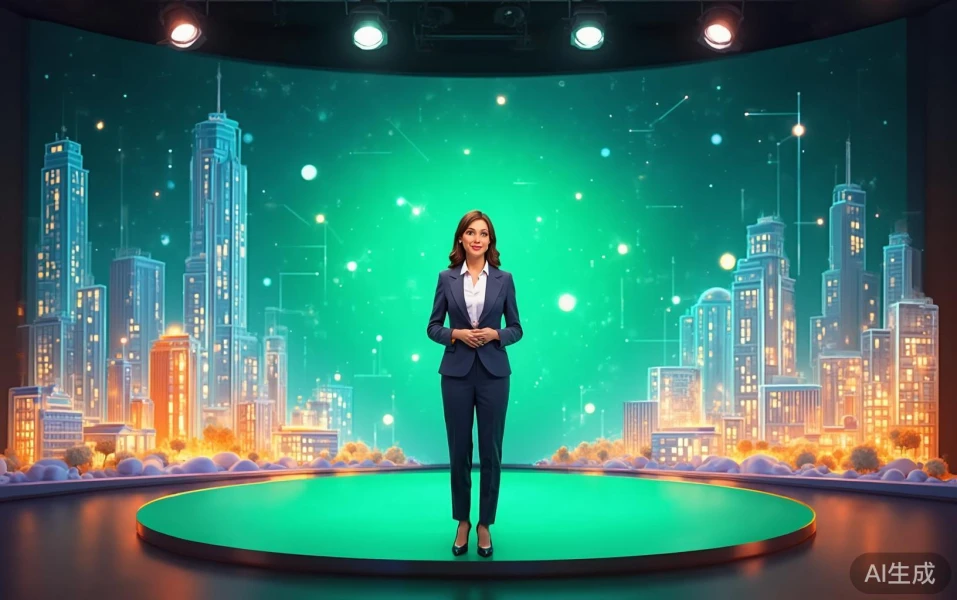
Q1: What exactly is Aximmetry?
Answer: Simply put, Aximmetry is a top-tierreal-time 3D graphics and virtual studio control softwareIt acts like a “super central brain.” You can feed real camera footage (e.g., a host in front of a green screen), camera movement data (tracking data), and highly realistic 3D scenes created in Unreal Engine into Aximmetry. It seamlessly blends these elements with ultra-low latency and outputs broadcast-grade final images in real time.
Q2: Since Unreal Engine (UE) is so powerful, why not just use UE directly instead of adding Aximmetry?
Answer: This is the most frequently asked question. UE is essentially a game engine. While its graphics are stunning, handling broadcast-grade video input/output, multi-camera synchronization, and complex real-time keying often requires extensive low-level coding and is prone to crashes. Aximmetry introduced Aximmetry DE (Dual Engine)It incorporates UE as a “graphics engine” within itself. UE handles rendering beautiful lighting and materials, while Aximmetry manages all video signals, keying algorithms, and logic control.“UE's graphics quality + Aximmetry's broadcast-grade stability and control”—this is currently recognized as the optimal solution.
Q3: Is its green screen compositing technology really that impressive?
Answer: Yes. In live broadcasts, the biggest nightmares for keying are the host's hair strands, translucent glass objects, and real shadows. Aximmetry comes with the industry's top-tierAdvanced Chroma KeyerIt not only separates hair strands with precision but also independently extracts real shadows and physically correctly projects them onto UE's virtual floor. Viewers can't tell it's a green screen composite—this is its killer feature for the high-end market.
Q4: Can it support the currently popular LED wall XR shooting?
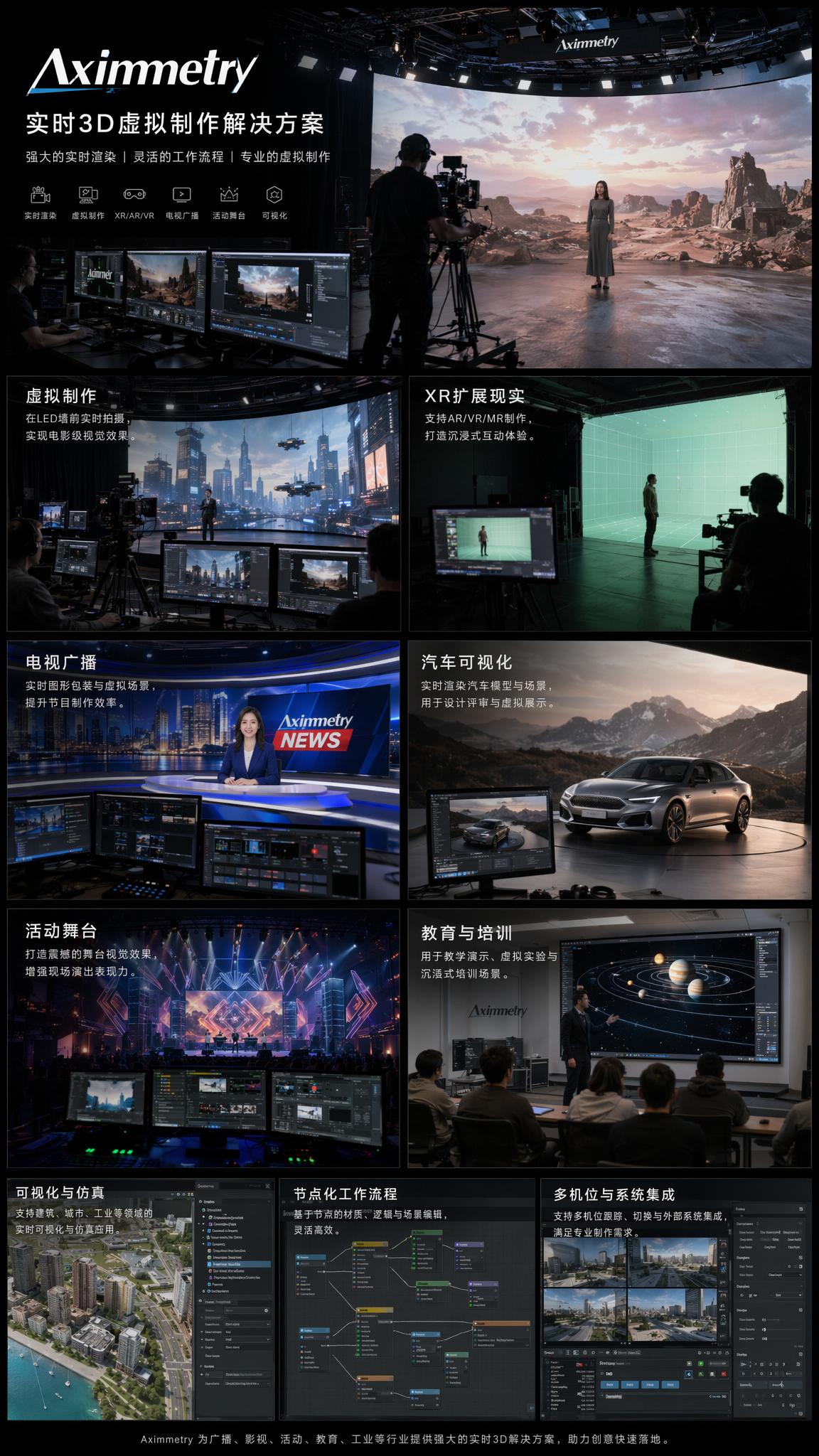
Answer: Perfectly. Aximmetry is not only the king of green screens but also the core brain for XR (Extended Reality). In LED wall shooting, Aximmetry receives camera tracking data and calculates the “frustum” in real time—the perspective view from the camera—rendering it onto the giant LED screen without delay. It also includes built-in color calibration and black point compensation tools for LED screens, enabling a seamless “naked-eye 3D” connection between real sets and virtual scenes on screen.
Q5: Is it difficult to operate? Do you need to know how to code?
Answer: No coding required at all. Aximmetry employs“Node-based visual programming”interface. It's like building with blocks—on the screen, there are “boxes” (nodes) representing different functions, such as “video input,” “chroma keyer,” and “output.” Directors or technicians just connect these boxes with lines using a mouse to build complex switching and interaction logic. This intuitive operation allows on-site staff to quickly troubleshoot and adjust during live broadcast emergencies.
Q6: What camera tracking devices does it support?
Answer: Its compatibility is extremely broad—“you get what you pay for”:
- Big-budget productions/national TV stations: Supports high-end optical and mechanical tracking systems like Mo-Sys, Ncam, and stYpe, costing hundreds of thousands.
- Mid-sized studios: Supports motion capture studio solutions like Vicon and OptiTrack.
- Low-budget teams/individual creators: Supports HTC Vive Trackers, or even phones with depth cameras.
Q7: What are its main applications currently?
Answer: Its use has long gone beyond traditional TV weather forecasts:
- Film and commercial shooting: Uses LED walls for “what you see is what you get” XR virtual production, significantly reducing post-production costs.
- High-end commercial live streams: Such as Apple or Huawei-level online product launches, or commentary desks for major esports events like League of Legends.
- VTubers (virtual idols): Paired with motion capture suits, enabling virtual characters to hold real-time concerts on stunning 3D stages.
- Broadcast news studios: Integrates real-time data to generate 3D dynamic charts (e.g., election vote counting, weather storm simulations).
Q8: What are the hardware requirements if we want to set up this system?
Answer: Real-time rendering demands high computing power. To run high-quality projects at 4K 60fps, a single host should at least have:Intel i9 or AMD top-tier processor + NVIDIA RTX 4090 graphics card + 64GB or more RAMAdditionally, professional video capture cards (e.g., Blackmagic Design or AJA) are needed to ensure ultra-low latency for video signals. For large XR studios, multiple top-tier computers are typically required to form a cluster via 10GbE network for collaborative rendering.
Summary: Say goodbye to “fix it in post” and embrace “real-time visualization” Aximmetry breaks the traditional film industry curse of “blind shooting in pre-production, heavy editing in post.” Whether it's a multi-million-dollar commercial broadcast or an independent studio with limited budget but unlimited creativity, Aximmetry offers a key to unlocking the “real-time digital twin world.”
If you're still hesitating on your virtual production tech choice, go download the trial version from the official website, connect your camera, and give it a try. Maybe in just half a day, you'll be captivated by its node magic.

 简体中文
简体中文  English