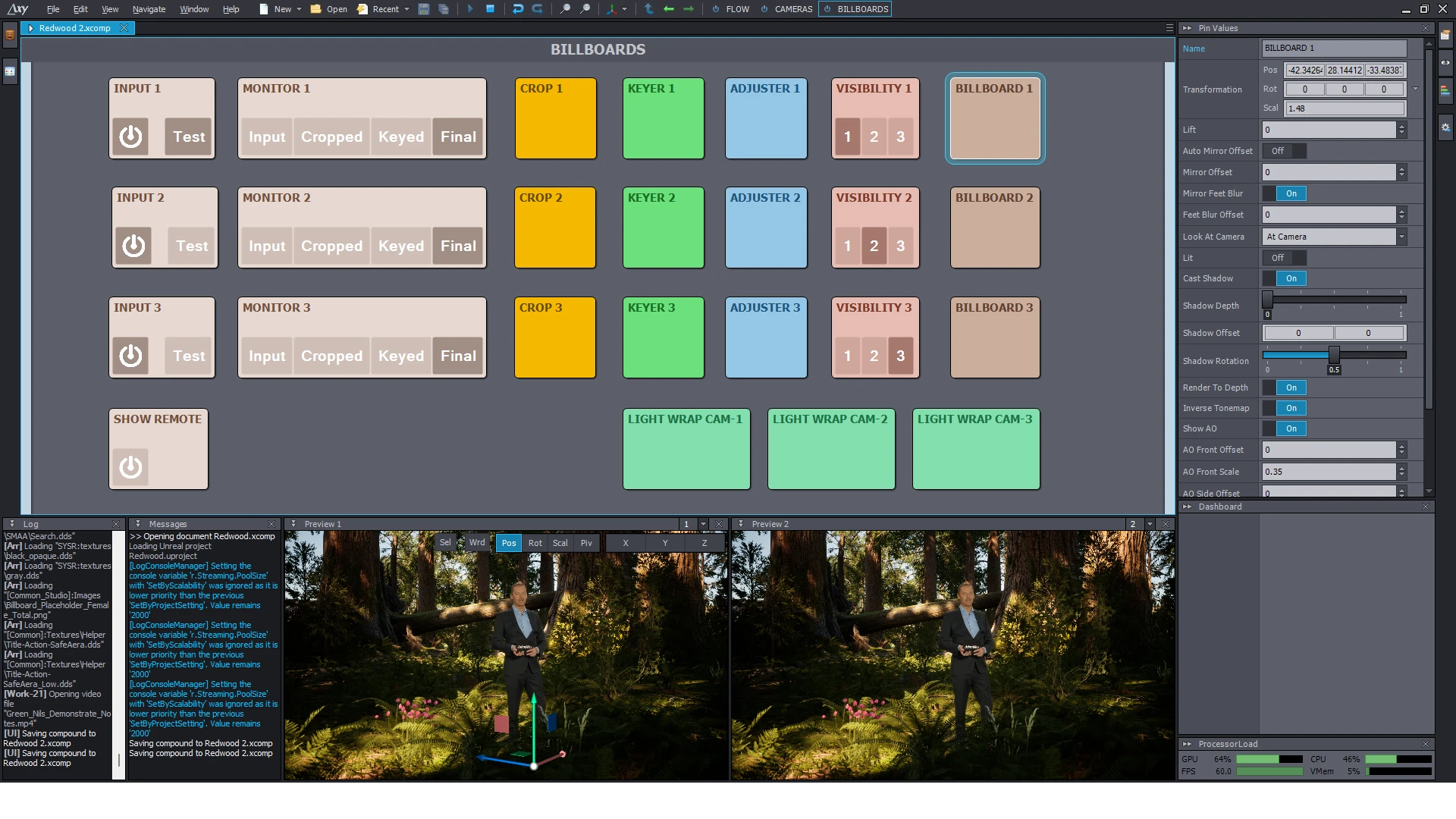
Aximmetry is a powerful real-time virtual production tool, commonly used for virtual studios, real-time 3D content generation, and mixed reality production. Below are some considerations when using Aximmetry software:
System and Hardware Requirements
- Performance Requirements: Aximmetry requires powerful hardware support, especially high-performance GPUs (such as the NVIDIA RTX series) to ensure real-time rendering and smooth operation.
- Storage Space: Maintain sufficient hard drive space, especially when handling large scenes or high-resolution content.
- Driver Updates: Ensure the graphics card driver is always updated to the latest version to avoid compatibility issues.
Software Installation and Configuration
- License Activation: Based on the version in use (Personal/Studio/Broadcast), ensure the license is activated correctly.
- DirectX and Vulkan Support: Confirm that the system supports the latest versions of DirectX and Vulkan.
- Path Settings: Avoid installing in paths containing Chinese or non-ASCII characters to prevent path resolution errors.
Content Creation Notes
- Model and Asset Optimization: Keep the polygon count of 3D models within a reasonable range, avoiding excessive detail that affects rendering efficiency.
- Texture and Map Formats: Use compressed textures (such as DDS) or optimized PNG/JPG to reduce loading times.
- Real-Time Lighting: Lighting settings affect rendering performance; balance visual effects with operational efficiency.
Project Management
- File Management: Project file paths should be organized to avoid scene loading failures due to missing assets.
- Version Control: For important projects, it is recommended to back up regularly or use version control tools (such as Git).
- Scene Layering: For complex scenes, it is recommended to create them in layers to facilitate debugging and optimization.
Rendering and Output
- Resolution Control: Set the resolution based on project requirements; high resolution significantly increases computational load.
- Latency Optimization: In real-time applications, control latency to avoid operational lag caused by overly high settings.
- Output Formats: Choose an appropriate format (such as MP4, MOV) when exporting, and adjust encoding parameters based on the usage scenario.
Compatibility and Third-Party Tools
- Integrating External Plugins: Aximmetry supports integration with Unreal Engine; ensure version compatibility (generally recommended to match the official recommended version).
- Protocol Support: Familiarize yourself with the configuration methods of protocols such as NDI and SDI, especially in multi-device real-time collaboration.
- Audio Synchronization: When processing audio input, pay attention to frame synchronization with video to avoid mismatch.
Learning and Support
- Official Resources: Make full use of official documentation, tutorials, and community forums.
- Testing and Experimentation: Test different features and modules early in project development to become familiar with the software's characteristics.
- Technical Support: If you encounter issues, contact Aximmetry official support promptly; providing log files helps resolve problems quickly.
 简体中文
简体中文  English